Customer support
All registered users can open a support ticket and track its status and responses from our team.

CONNECT HELPCENTER · PRODUCTS AND CATALOG
Managing a product catalog starts with clear categories and accurate data. In Connect Marketplace, you prepare products for the online store, edit prices and inventory, and make it easier for customers to find, compare, and choose your offering.
Here you can follow the process from adding your first product to variations, digital products, subscriptions, bookings, and tickets. Choose a topic according to the task you are solving, then check how the entered data is displayed to the customer.
Find instructions for your taskFROM CATALOG STRUCTURE TO PURCHASE
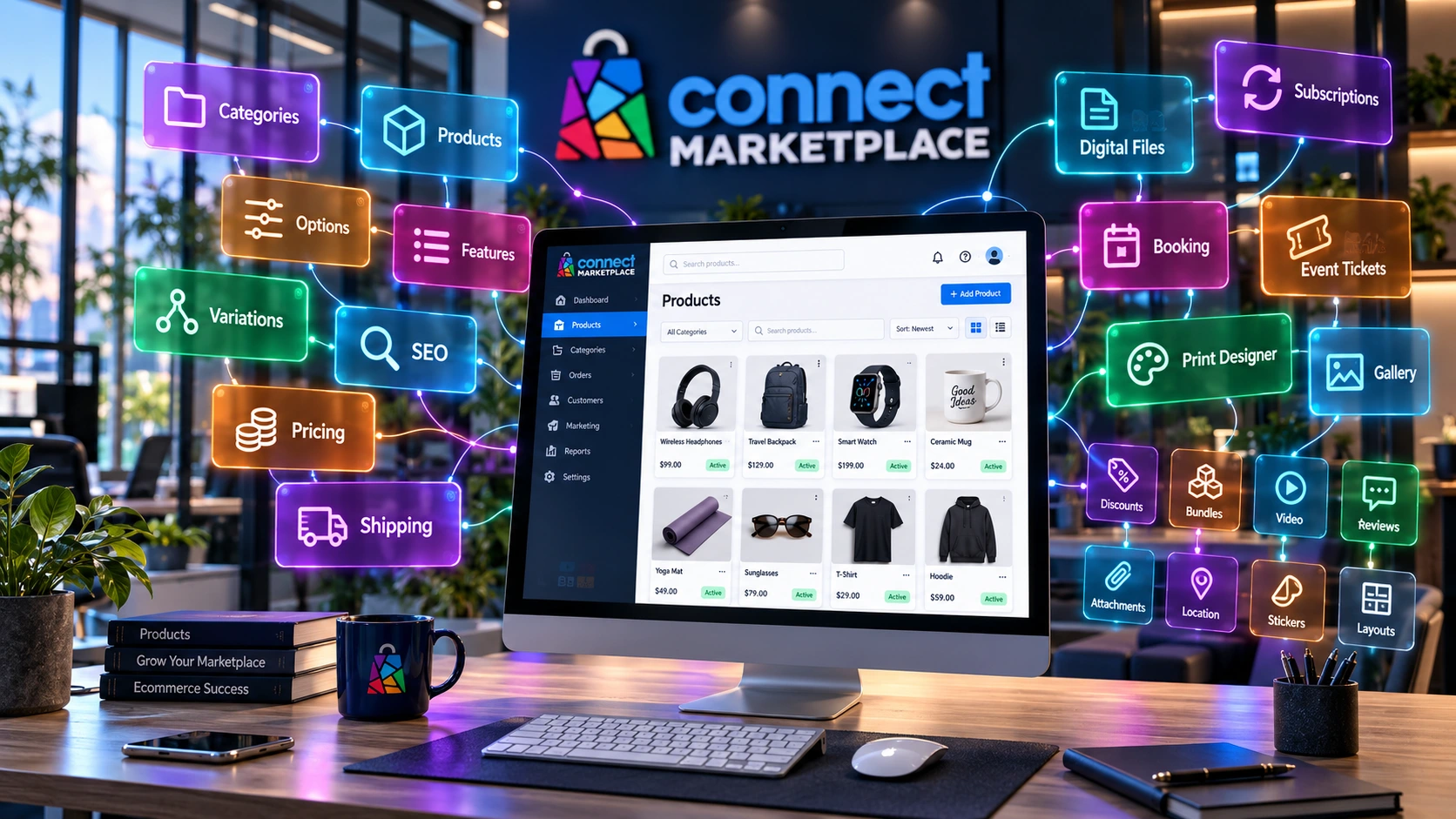
A catalog is a connected system of categories, products, data, and sales rules. The name and photo represent the item, the price and availability define the offering, while features and categories help customers find the right product. Options, variations, and special modules adapt the way products are selected and purchased.
We associate products with the appropriate categories and tree levels. A logical structure supports navigation, the application of features, and linking store content.
Align the name, item code, description, photos, price, inventory, and delivery terms. Customers need clear information about what they are buying and under which conditions.
A physical item, file, subscription, booking, and event ticket have different requirements. First determine the type of offering, then prepare the corresponding settings.
CATEGORIES ARE MANAGED BY CONNECT ADMINISTRATION
The main category brings together a broader group of offerings, while subcategories break down its branches. For example, the path Sport → Sports equipment → Balls shows three levels, from a general topic to a narrower selection. New levels should have a clear purpose and help customers reach products.
Opening, moving, and editing categories is requested from Connect administration. We check SEO settings, existing links, and related resources, and align the category with the rest of the marketplace. Attach the proposed name, parent category, product example, and reason for the change to your request.
In the category guide, we will cover general data, SEO, promotions, age verification, currencies, comments, and quote requests. We will also explain display templates, percentage fees, advanced banners, automatic labels, and layout blocks. The visibility of a setting does not mean that it is enabled or that the seller can change it independently.
Gather the item code, name, description, price with the relevant tax information, inventory, and photos. Check whether an appropriate category exists; if it is missing, send a request to the Connect team.
Distinguish a new product from an offering connected to an existing Common product. The Digital Catalog topic is being prepared together with a module that is still being completed; we will describe how it works after the final version has been approved.
Add features and, where needed, options or variations. Check delivery, quantity discounts, documents, and settings specific to your product type. The available tabs depend on active modules and account permissions.
Review the product on desktop and mobile: its name, photos, selections, price, and availability. For bulk changes, first check the filters and selected product set, then review the results after saving.
Changing the currency and recalculating the numerical amount are different actions. Before globally updating prices, check which action the selected tool performs, which products it applies to, and how the final price is displayed.
Material, brand, dimension, or other properties describe what a product is. Depending on the settings, features can be used for filtering, comparison, or linking variations.
Feature instructions →The customer chooses an available option, such as an accessory or personalization. Option rules determine whether the choice is required and whether it changes the price.
Option instructions →Different colors or sizes can have their own codes, images, prices, and inventory. A variation group connects the relevant versions into a single customer offering.
Variation instructions →PRODUCT CONTENT QUALITY AND SEO
For each product, prepare a clear name and useful description explaining its purpose, key characteristics, and the contents of the offering. Use the terms customers use to describe the product, together with accurate data about the model, material, or application. Avoid keyword stuffing and claims that the product cannot support.
Maintain prices, inventory, and availability as carefully as the description. Good SEO preparation supports the comprehensibility and discoverability of content, but does not guarantee a specific position in search results.
PRODUCT AND CATALOG GUIDES
This is an overview of the entire section. We are preparing detailed guides in order, from categories and product lists to special sales methods.
The tree, levels, and category settings, as well as requests to Connect administration.
Search, basic and advanced filters, price changes, and bulk editing.
Preparing the name, description, code, price, categories, inventory, and photos.
An existing shared product and linking your own sales offering.
A separate topic for a module that is still being completed; the process will be provided after the final version has been approved.
Weight, packaging, and product data used in delivery cost calculations.
Customer selection, available options, required options, and any additional charges.
Feature properties, values, and groups, and their connection to categories and filters.
Linking versions with their own codes, images, prices, and inventory.
SEO title, meta description, product address, and content quality.
Quantity thresholds and price verification for different ordered quantities.
Instructions, technical sheets, and other documents accompanying the product offering.
Location data for real estate, hotels, and hospitality establishments.
Additional pricing rules and their relationship to the base selling price.
Assembling bundles from multiple products and checking purchase conditions.
Product video display, sources, and display alongside photos.
Display, rating, and moderation according to the available permissions.
Linking required products and checking the contents of the cart.
Manual and automatic labels, rules, and label display.
Template, active blocks, and requirements for changing the product layout.
Selling files, delivery settings, and access to purchased content.
Customer registrations for notifications when an item becomes available again.
Offering time slots and services through the active booking module.
Offering products through subscription periods and the supported renewal method.
A product connected to an event and ticket sales.
A special offering for printing, a drawing generator, and a content gallery.
For a new category or a change to the existing tree, send a request to Connect administration. It aligns the structure, SEO settings, and related resources. In the request, specify where the category belongs and which products it will contain.
Before adding a product, search for the existing item using the available identifiers and check whether it is the same product. If it is a Common product, check the process for linking your own offering before creating a new record.
No. Administration filters narrow the list of products you are working on. Filters in the online store help customers search the offering and depend on the catalog settings and available data.
No. Product subscribers in this section relate to availability notifications. Products as subscriptions are a separate topic for offerings with subscription periods and a supported renewal or billing method.
An attachment is an accompanying document, such as instructions or a technical sheet. With a digital product, the file itself is what is being sold, so the delivery terms and download access must be configured.
The display depends on permissions, product type, and activated modules. For an unavailable tab or unclear setting, contact Connect Support with the product name and a description of the task.
The module is still being completed. A separate topic for its instructions has been prepared; availability and the confirmed process will be published after the final review.